Your download is in progress. In under 2 minutes, Stoodeo turns your interactive display into a real video studio for the classroom.
Keep this page open during setup, we’ll walk you through it, step by step.
01
Move the folder to your interactive display
If you downloaded Stoodeo from your interactive screen, skip to step 2.
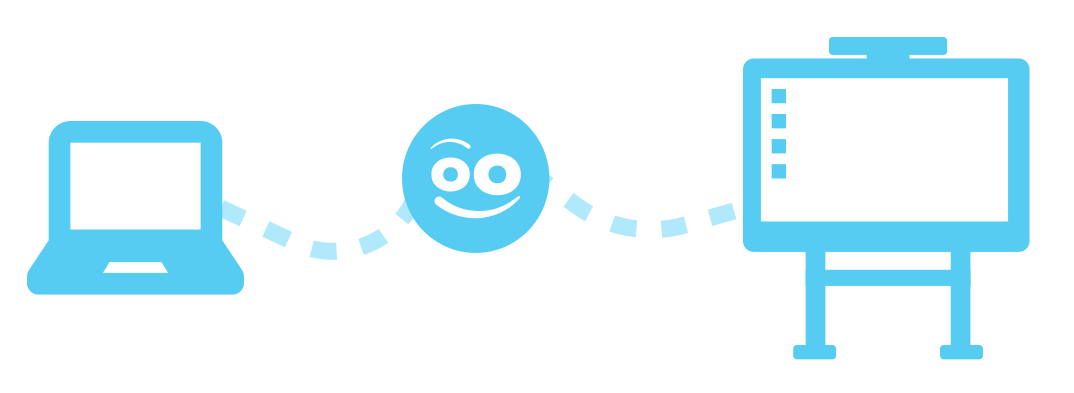
If you have downloaded Stoodeo to your computer, first transfer the Stoodeo folder to your interactive display using a USB drive or a shared network folder.
02
Install Stoodeo
Now that your Stoodeo folder is on your interactive display, unzip the folder and then run the file: InstallStoodeo.
Launch Stoodeo and start recording
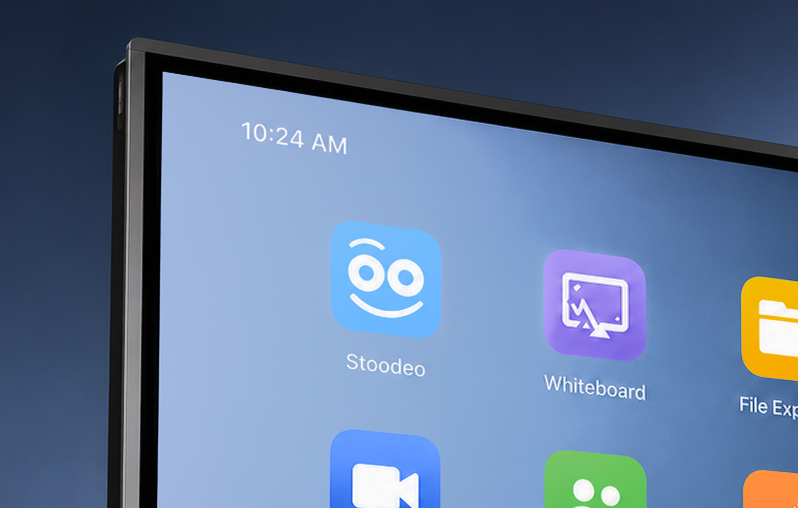
Once the installation is complete, the Stoodeo app will launch automatically.
On first launch, Stoodeo asks for an activation code:
Starter plan: no code needed, skip this step
Pro and AI plans: enter the code you received with your purchase
You’re all set. Hit record, your display is now a video studio.
Download the installer
Install on your touch display
Activate with your Stoodeo code
Need help ?
Our team can walk you through it remotely in just a few minutes. support@rapidmooc.com